From HQ to the floor, everyone gets answers.
The insight you need, the moment you need it, from the data Axonify already captured.
Axonify Analytics Assistant, AI-powered learning analytics
Analytics Assistant is AI reporting built into Axonify. Ask a question in plain language, like “Which stores have the most overdue certifications?” and get a summary, table and chart back. It runs on the deepest record of your frontline, the participation, knowledge and certifications you capture every shift. Nothing extra to connect.
The challenge
See Analytics Assistant in action
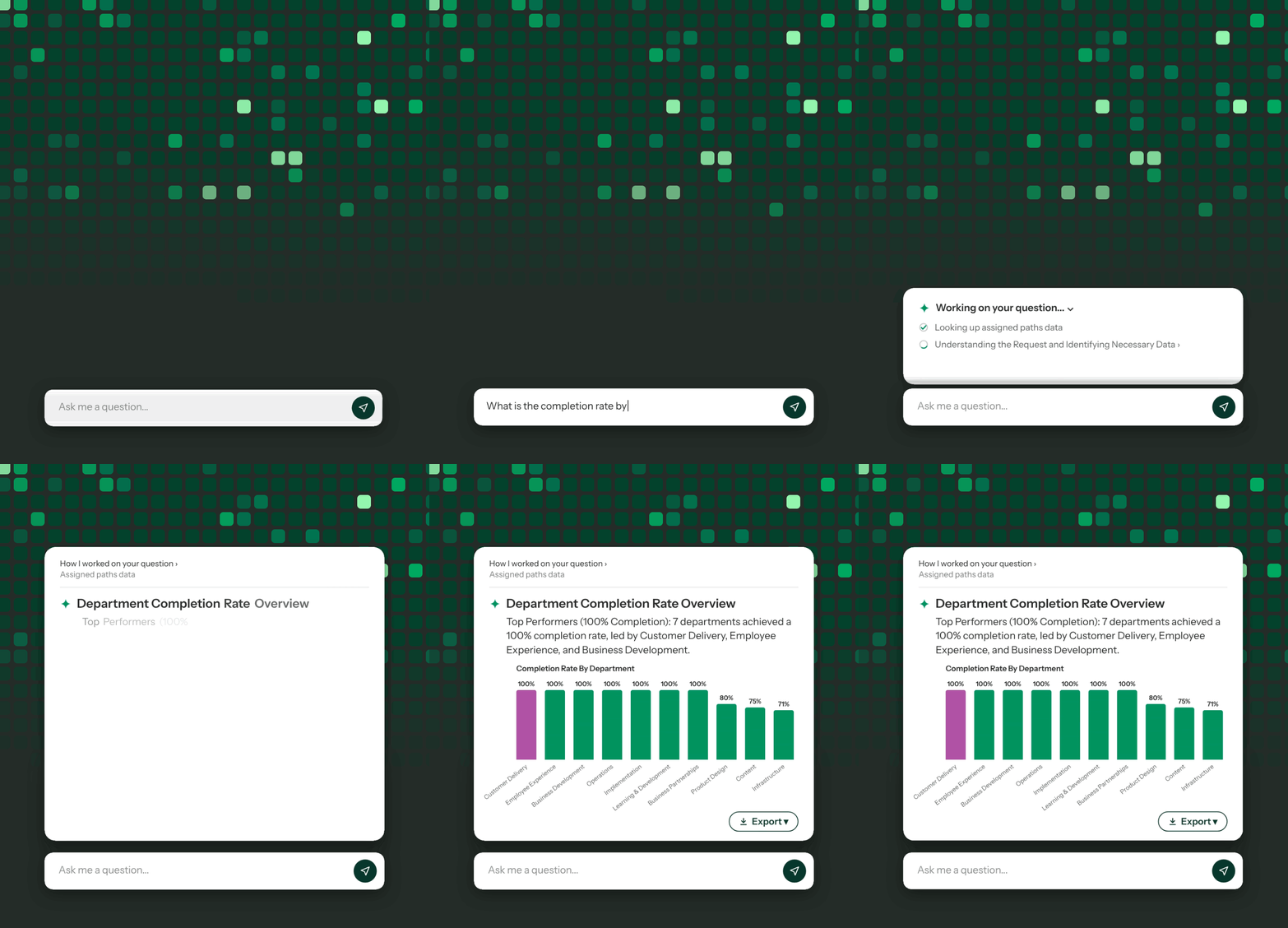
Every shift, at every location, Axonify builds the deepest record of your frontline. Watch Analytics Assistant turn it into answers in seconds, for everyone from HQ to the floor. No report requests, no waiting on an analyst.

How Analytics Assistant works
Go past completion rates. Ask about participation, knowledge and certifications at every location and get answers you can act on.
Type a question in plain language, right inside AdminZone, alongside your reports.
Get a summary, table and chart and see its reasoning as the answer builds.
Copy it, export it or share it or ask a follow-up that builds on the last answer.
Built into Axonify
Find it in AdminZone, ready for anyone with reporting access. It draws on participation, knowledge, certifications, learning paths and communications. No new tool to add.
Other tools answer from generic LMS data or completion rates. Analytics Assistant answers from the frontline data only Axonify captures.
Included in every Axonify package, at no extra cost.
How Analytics Assistant compares
You could. But first someone pulls the data, cleans it, and explains every column, then redoes it each time the numbers change. Analytics Assistant already knows your data, so anyone with reporting access can ask and get a trusted answer.
Select an option to compare.
Same questions, same trusted numbers, without the export.
What your team gets

“I grabbed a quick graph and dropped it straight into Teams, no cleanup needed. People saw it and liked it.”
Patrick Walsh, DC Training Manager, The Container Store
The insight you need, the moment you need it, from the data Axonify already captured.
It’s AI reporting built into the Axonify frontline enablement platform. Ask questions about your learning data in plain language and get a summary, table and chart back in seconds.
It uses the frontline performance data Axonify already captures: participation, topic progress, knowledge, assigned learning paths, certifications, communications and training sessions.
In AdminZone, for anyone with reporting access. Your organization can turn it on for admins only or for all reporting users.
No. Analytics Assistant runs on data that’s already in Axonify, so there are no integrations to build, no files to upload and no SQL or BI training needed.
Analytics Assistant follows the role-based permissions already set up in Axonify, down to the row. Each person only sees the data their role allows and an answer never shows data someone isn’t cleared to see.
Yes. Unlike many conversational analytics tools, every answer maps to Axonify’s defined metrics, so the same question returns the same result no matter who asks. You can also see the reasoning behind each answer, so you can share it with confidence.
General AI tools need you to export your data, clean it and explain what it means before you can ask a question and you’d repeat that every time the numbers change. Analytics Assistant already understands Axonify’s data and definitions, so you can ask right away and your data stays inside Axonify.