What’s New at Axonify
Running frontline operations means keeping work moving across shifts, locations, and teams—without losing clarity or control. When information is scattered or follow-up is manual, execution slows down and leaders are left guessing.
Axonify is the frontline operations platform built to close that gap. By connecting tasks, communication, guidance, and real-time information in one system, Axonify helps teams know what needs to be done and gives leaders confidence that work is being completed to standard.
Our latest updates build on that foundation by strengthening the connection between information and action across daily operations.
Winter Launch
Operational Confidence: Connecting information to action
This launch focuses on helping organizations move from direction to verified execution. From audits and inspections to information access and communication, these updates make daily work clearer, more reliable, and easier to manage—without adding complexity.
Verified execution
Axonify Checkpoint
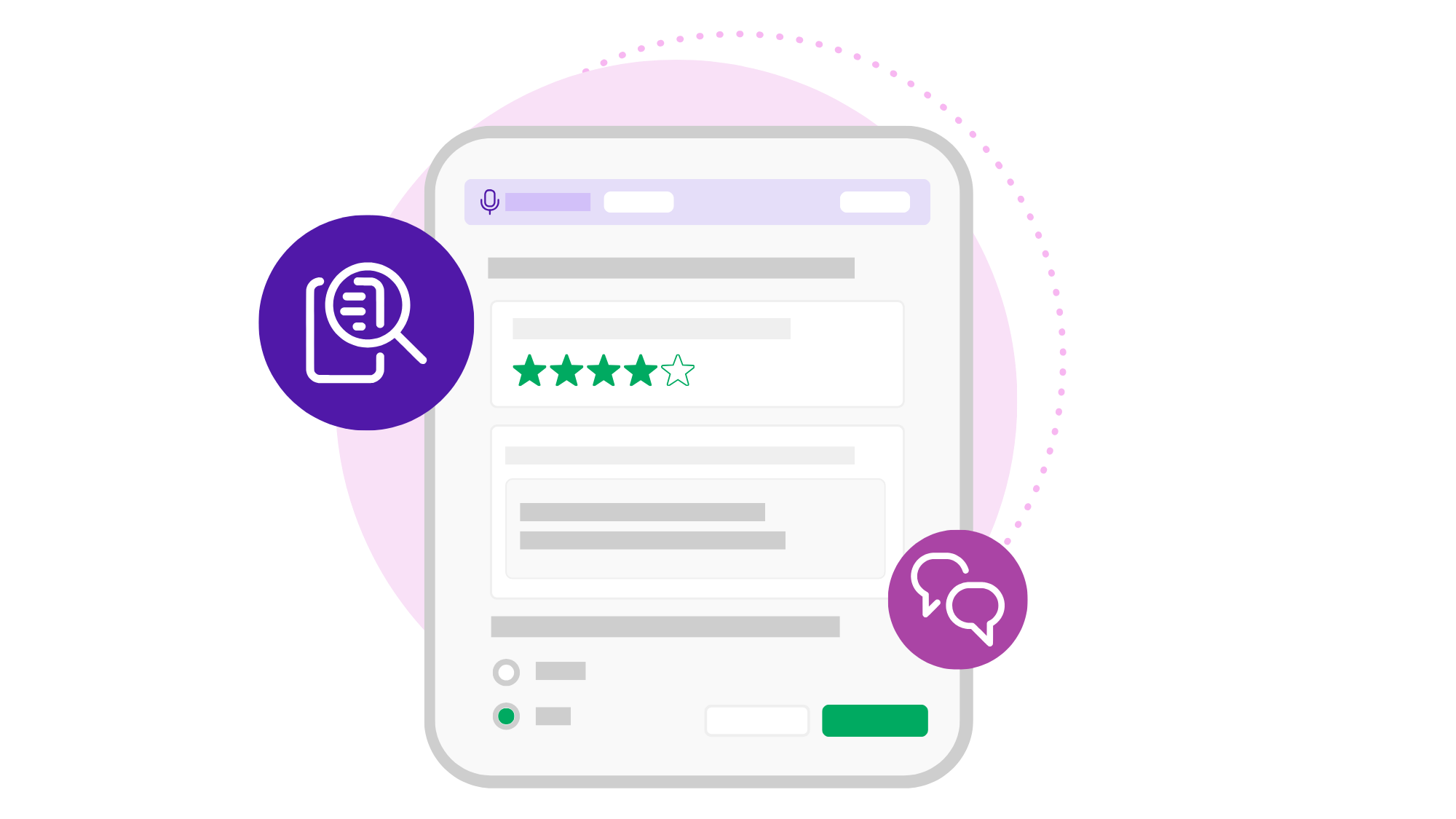
Audits, inspections, and walkthroughs are often completed on paper or across disconnected tools, making it hard to confirm what was done and what needs follow-up. Checkpoint replaces that with guided digital workflows that capture results, verify completion, and trigger follow-up automatically—giving leaders clear visibility into what’s happening across locations.
Information to action
Max Enhancements
Finding the right answer can slow work down, especially when information lives across different systems. Max, Axonify’s AI assistant for frontline teams, now includes SharePoint integration and Expanded Content Retrieval. Employees can ask questions using trusted documents, product codes, and internal terms and get accurate answers in the flow of work, without stopping to search.

Alignment across teams
Audience Builder
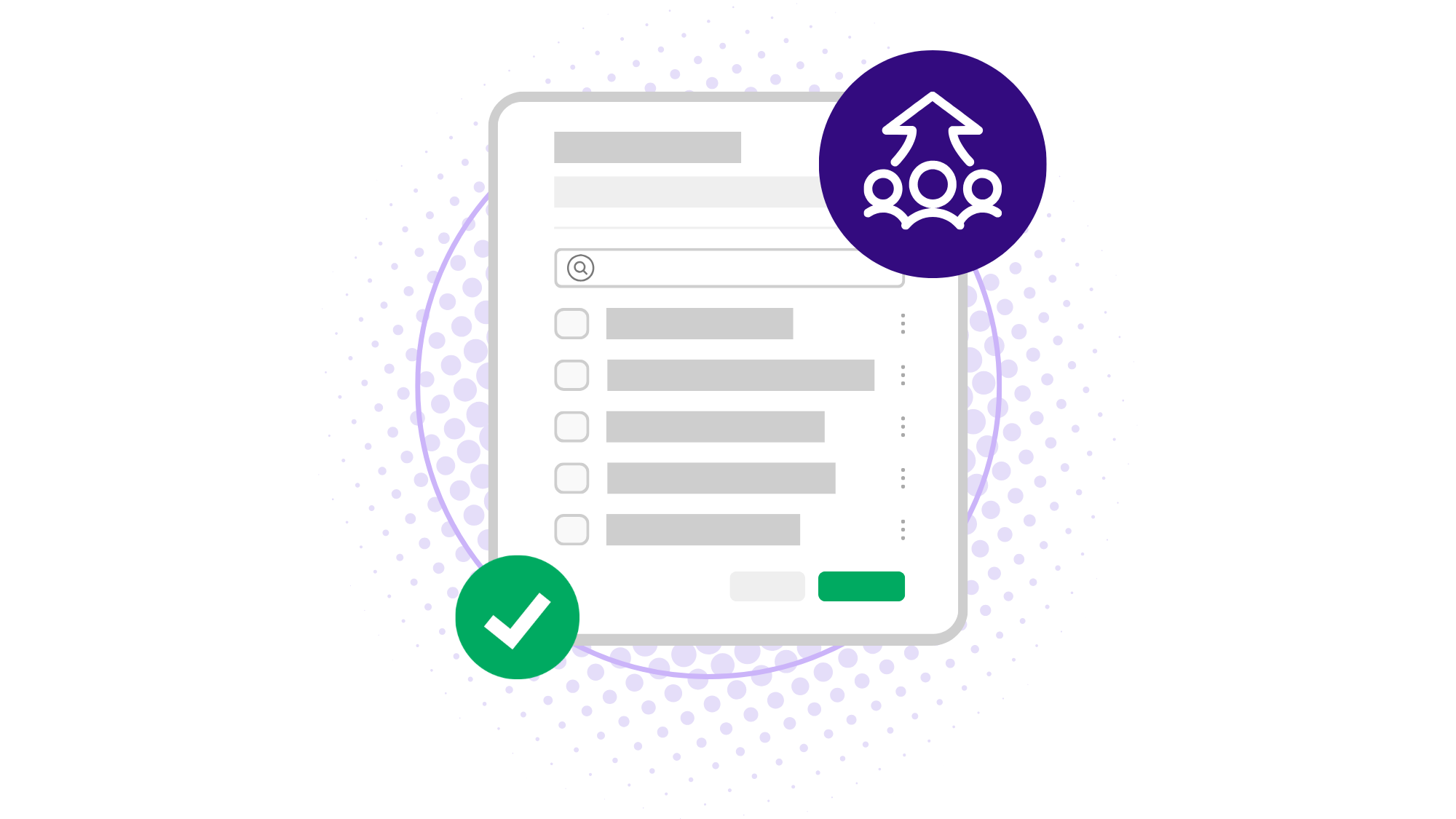
Targeting the right people shouldn’t require jumping between tools. Audience Builder makes it easier to define and apply target groups so work, guidance, and communication reach the right teams at the right time.
Content UI Update
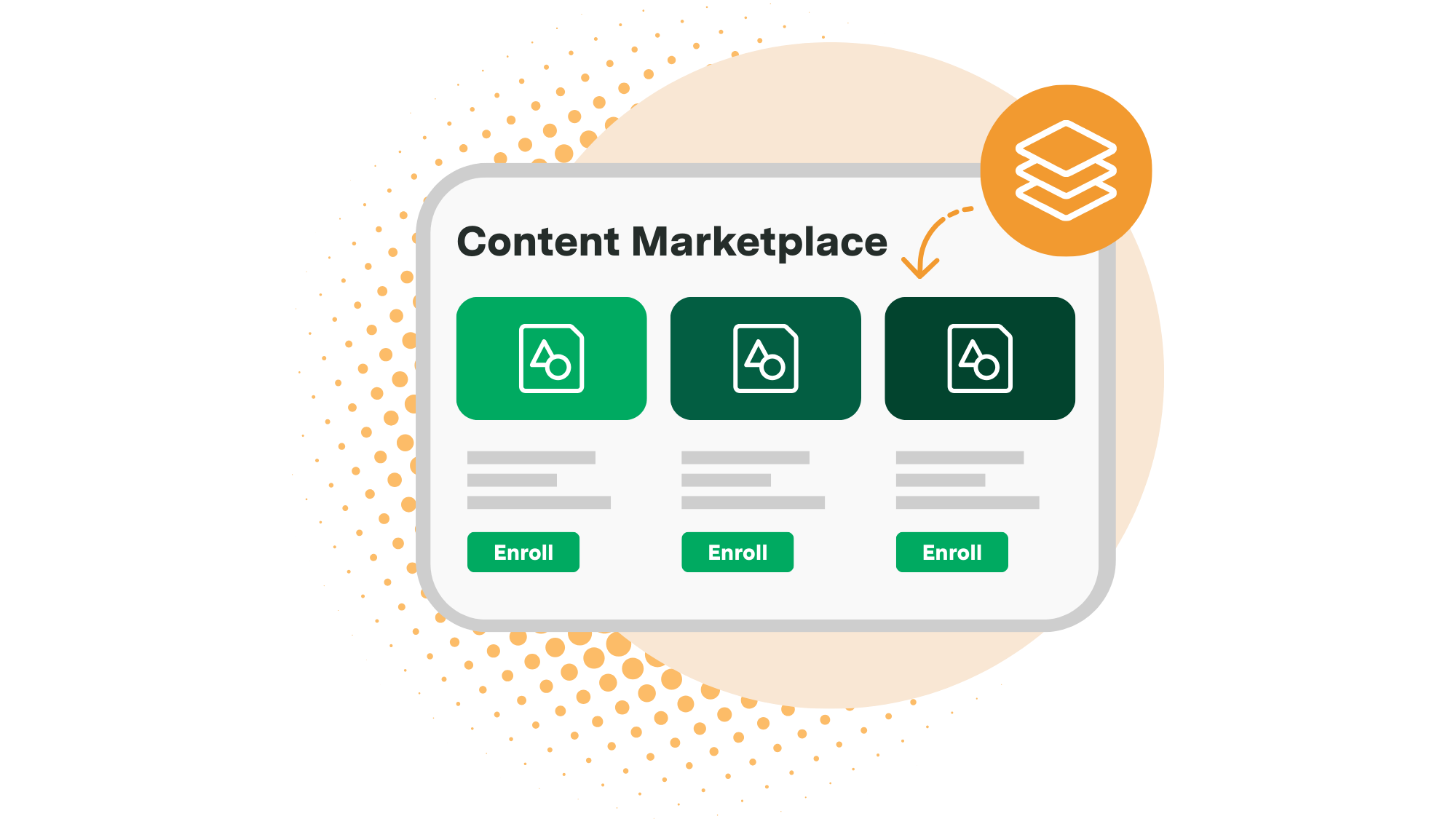
As content libraries grow, finding and maintaining the right material becomes harder. The updated Content UI modernizes and simplifies content management, making it faster to organize, search, and manage large libraries with less effort.
Scheduled Channel Posts
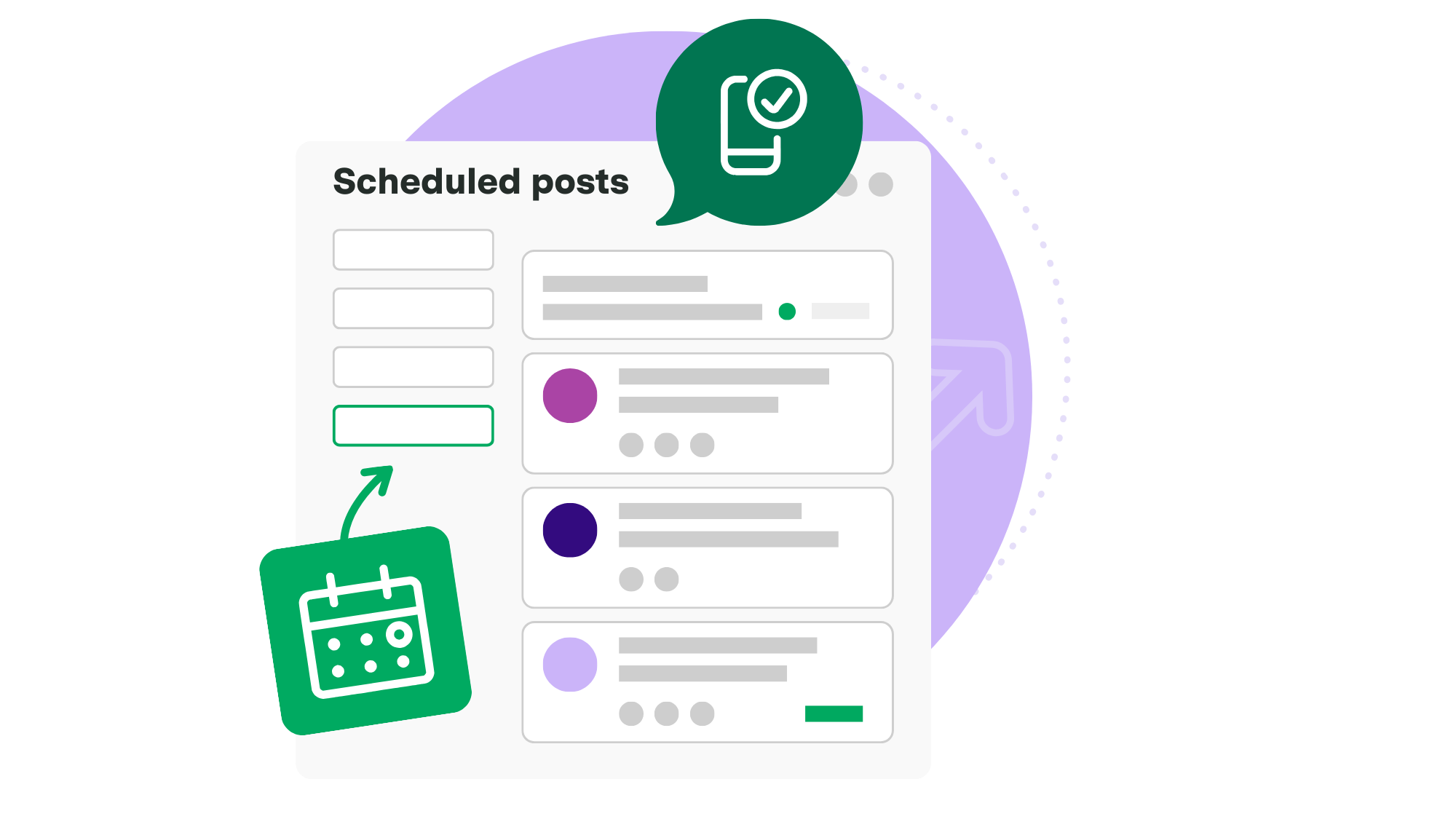
Keeping frontline teams aligned requires timely communication, but manual posting makes that hard. Scheduled Channel Posts let teams plan messages in advance so updates publish automatically when they’re needed.